downloads: https://github.com/IR0NSIGHT/Puddler/releases
github: https://github.com/IR0NSIGHT/Puddler
[external_markdown url=”https://raw.githubusercontent.com/IR0NSIGHT/Puddler/refs/heads/master/README.md”]
API automation caves chunk collab custom-object-layer dannypan distant-horizons export github grayscale heightmap import java javascript legacy loot mapsize mca-selector merge new-feature noob ocean optimize ores plugin populate read-only region render river rivers schematics script scripting structures super-flat TODO tutorial vanilla-transition vintage story water worldedit
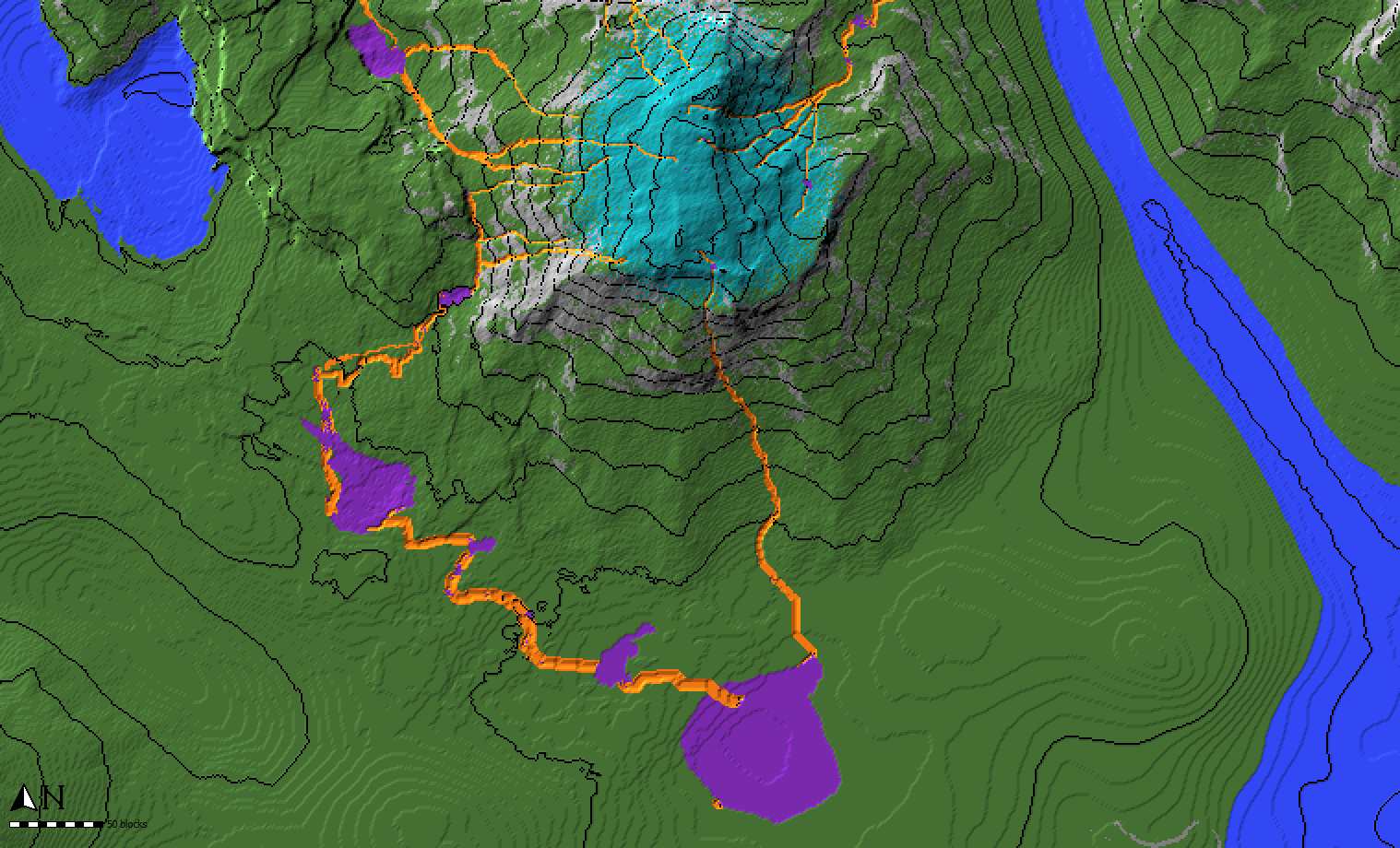
Worldpainter script that creates small rivers and ponds across the map
downloads: https://github.com/IR0NSIGHT/Puddler/releases
github: https://github.com/IR0NSIGHT/Puddler
[external_markdown url=”https://raw.githubusercontent.com/IR0NSIGHT/Puddler/refs/heads/master/README.md”]
There are a few ways to make realistic-looking rivers and streams in WorldPainter. There are multiple automated approaches: Make sure to read the guides provided for all scripts. Alternatively, you can manually make a custom ground cover layer or download one here to draw rivers yourself. If you select this method you will need to smooth out the terrain and ensure it always flows down manually.
There are a few ways to make realistic-looking rivers and streams in WorldPainter.
There are multiple automated approaches:
Make sure to read the guides provided for all scripts.
Alternatively, you can manually make a custom ground cover layer or download one here to draw rivers yourself. If you select this method you will need to smooth out the terrain and ensure it always flows down manually.