READ AND DOWNLOAD DIRECTLY ON GITHUB

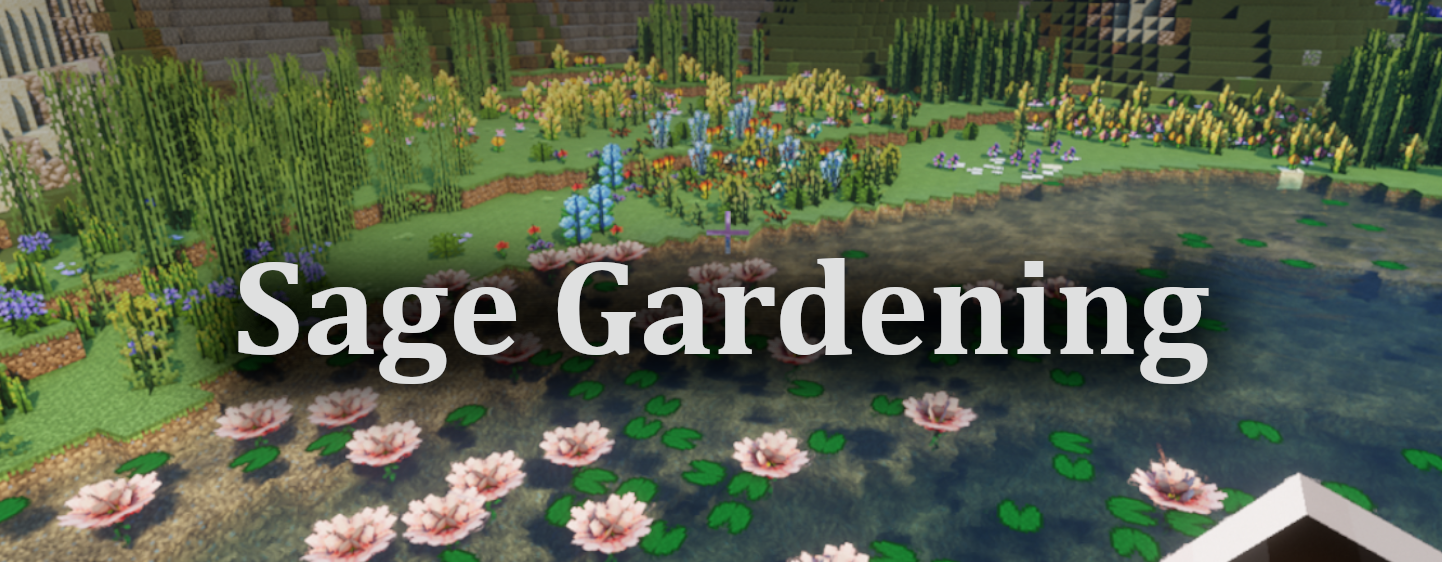
Sage Gardening is a plugin for WorldPainter that introduces a new custom layer: the Custom Gardening Layer, which behaves similarly to the Custom Plant Layer.
However, unlike the Custom Plant Layer, the key differences are:
👉 The Custom Gardening Layer does not define plant structures through hard-coded logic. Instead, it uses external JSON files to describe them with Patterns.
👉 Sage Gardening already comes with built-in support for most plants from VerdantVibes and Biomes O’ Plenty, which can be easily accessed from the menu.
This means you can easily:
- Define structures for vanilla or modded plants;
- Extend new plants without changing the plugin’s code;
- Share and reuse JSON Pattern files, making plant configurations more intuitive and maintainable.
A Pattern is the “blueprint” of vegetation. It describes what blocks a plant consists of and how those blocks are arranged, ordered, and combined.
- Composition: Defines which blocks (e.g., trunk, leaves, flowers, vines) are used;
- Order: Specifies the placement sequence (e.g., trunk first, then flowers);
- Arrangement: Determines how blocks are placed, such as upright stems, layered leaves, spherical canopies, or branching/symmetrical structures;
- Transformations: Supports rotations, height variations, and other variants, allowing a single Pattern to generate diverse plant appearances.
-
Prepare Patterns
Place your JSON Pattern files in the plugin’s configuration directory. Some built-in Patterns are already included and will appear automatically in the dropdown list.
User-provided JSON files should be placed under:
plugin_data\gardening_layerinside the WorldPainter configuration directory.
For example, on Windows:
C:\Users\{UserName}\AppData\Roaming\WorldPainter\plugin_data\gardening_layer\{YourJson}.json -
Select a Pattern
Add the Sage Gardening Layer in WorldPainter, then choose your desired Pattern from the dropdown menu. -
Paint & Export
Configure and paint the layer just like the native Custom Plant Layer. When exporting, the plugin generates vegetation according to the Pattern’s description.
Note: Modded plants will appear as magenta wool in the preview. -
Define Your Own Patterns
See the reference here.

- Decoupled structure: Plant blueprints are stored in JSON configs instead of hard-coded logic, making them more flexible.
- Mod support: Directly reference modded blocks in Patterns without editing code.
- Reusable & shareable: Pattern files can be bundled into “plant libraries” for teams or community sharing.
- Environment validation strategies: Choose how to handle foundation blocks (ignore / check / replace) and configure growth environments (terrestrial / submerged / floating) to ensure plants generate correctly.
- The plugin is still under active development. If you encounter bugs, please report them via GitHub.
- Always back up your
.worldfiles before using this plugin to avoid potential data loss.
By default, the icons shown in the Gardening Layer Editor’s GUI will not be displayed (this does not affect functionality).
To enable these icons, you need to have the corresponding mod’s .jar file on your computer and complete the following steps:
- Open or create the
settings.jsonfile inside the plugin configuration directory (the same directory where Pattern files are stored).
For example, on Windows it is typically located at:
C:\Users\{UserName}\AppData\Roaming\WorldPainter\plugin_data\gardening_layer\settings.json - Paste the following content into the file:
{
    "resources":{
        "verdantvibes":"D:\\path\\to\\you\\mod.jar",
        "biomesoplenty":"D:\\path\\to\\you\\mod.jar"
    }
}- Replace the above paths with the actual paths to the mod files on your PC.


- Add a snapshot configuration to 1.21.5 plants.
- The current configuration structure writing is too complex and may be simplified in the future.
- Aquatic plants are not currently supported, but may be in the future.
- There is currently no documentation on how to write configuration JSON structures. However, a built-in configuration is provided for reference, which supports the new vegetation added by the VerdantVibes mod.
© 2025 CTI-ALingll. All rights reserved.